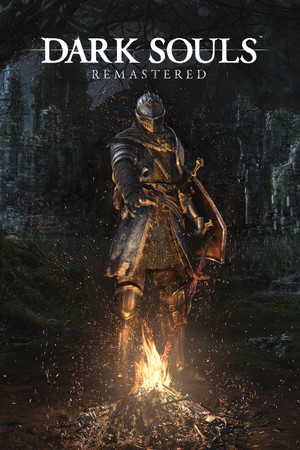
Dark Souls: Remastered
Good
Partly confirmed
21:9
Native
32:9
Partial
Gameplay Scaling
Hor+
HUD
Edge-positioned
Centered HUD
Unavailable
Cutscenes
16:9 pillarboxed
Menus
Ultrawide
FOV
Correct
Black Bars
Cutscenes only
Flawless Widescreen
Not Supported
Community Fix
Available
Online Safety
Unknown
Does Dark Souls: Remastered support 21:9 and 32:9?
Dark Souls: Remastered uses Hor+ scaling and works at 21:9 (and at 3840x1080 32:9) without a fix. Any resolution wider than 4K, such as 5120x1440 32:9, breaks part of the menus and HUD on the right side, and the Ultrawide UI Fixer mod on Nexus is aimed at that. We haven't independently confirmed whether cutscenes and menus are pillarboxed.
How to fix ultrawide in Dark Souls: Remastered
Recommended fix
Ultrawide UI Fixer
UltraWideCheck links to third-party mods and tools but does not host or distribute mod files.
Already have one of these? It works too
DSR FOV ChangerOptional FOV tweak listed on PCGamingWiki as a standalone executable; does not fix the wider-than-4K UI issue.
Learn more
Patch & source history
Build not recordedSep 19, 2026
Sources checked: PCGamingWiki (Hor+; the UI breaks above 4K width, tested at 5120x1440 vs 3840x1080) and the Ultrawide UI Fixer page on Nexus Mods. Flawless Widescreen has no Remastered module (only Dark Souls II entries). We haven't independently confirmed cutscene or menu letterboxing, the mod's version or compatible patch, or whether using mods online is safe, so online safety is listed as unknown.
Related games
Dark Souls III · 201621:9Fix Required32:9Fix Required
Dark Souls II: Scholar of the First Sin · 201521:9Fix Required32:9Fix Required
The Blood of Dawnwalker · 202621:9Partial32:9Partial
Tekken 8 · 202421:9Native32:9Fix Required
CODE VEIN · 201921:9Fix Required32:9Partial
RuneScape: Dragonwilds · 202621:9Native32:9Partial