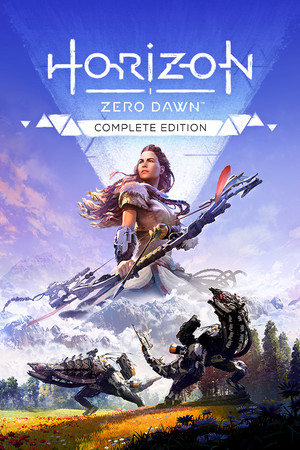
Horizon Zero Dawn
Partial
Partly confirmed
21:9
Partial
32:9
Partial
Gameplay Scaling
Hor+
HUD
Centered
Centered HUD
Native
Cutscenes
16:9 pillarboxed
Menus
Ultrawide
FOV
Correct
Black Bars
Cutscenes only
Flawless Widescreen
Not Supported
Community Fix
Available
Online Safety
Safe
Does Horizon Zero Dawn support 21:9 and 32:9?
Gameplay looks excellent on a 32:9 screen: PCGamingWiki's FOV screenshots show Horizon Zero Dawn rendering correctly at both 21:9 and 32:9 with no stretching, and an in-game 'HUD To The Edges' toggle lets you keep the HUD centered. Real-time cutscenes are pillarboxed to 16:9 by default at any resolution. The community fix HZD-SUWSF removes that cutscene pillarboxing and works with DLSS enabled.
How to fix ultrawide in Horizon Zero Dawn
Recommended fix
HZD-SUWSF.zip (Super UltraWide Screen Fix)
UltraWideCheck links to third-party mods and tools but does not host or distribute mod files.
Already have one of these? It works too
Manual hex-edit aspect ratio patcherAn older hex-editor method for forcing specific 21:9 and 32:9 resolutions. PCGamingWiki flags it as untested on newer versions, so it may not work there; try HZD-SUWSF first.
Learn more
Patch & source history
Build not recordedSep 18, 2026
Source checked: PCGamingWiki — native 21:9 and 32:9 gameplay FOV scaling, with real-time cutscenes pillarboxed to 16:9 by default.