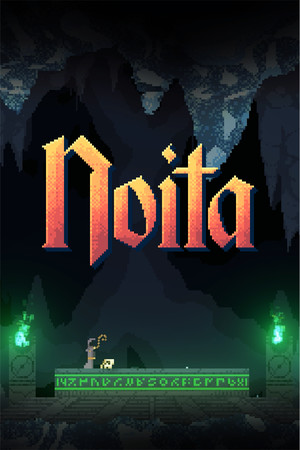
Noita
Partial
Partly confirmed
21:9
Fix Required
32:9
Fix Required
Gameplay Scaling
Fixed FOV crop
HUD
Edge-positioned
Centered HUD
Unavailable
Cutscenes
16:9 pillarboxed
Menus
16:9
FOV
Correct
Black Bars
Full-time
Flawless Widescreen
Not Supported
Community Fix
Available
Online Safety
Safe
Does Noita support 21:9 and 32:9?
Noita is pillarboxed on ultrawide by default. A config edit fills the screen but crops the view (vert-), while the community Noita ultrawide mod (v1.8, separate 21:9 and 32:9 folders) gives true hor+ and reveals more of the world. Seeing more terrain is a real gameplay advantage in Noita.
How to fix ultrawide in Noita
Recommended fix
Noita ultrawide mod
UltraWideCheck links to third-party mods and tools but does not host or distribute mod files.
Already have one of these? It works too
internal_size_w config editSetting internal_size_w="1720" in the config removes pillarboxing but gives vert- scaling (less vertical view).
Learn more
Patch & source history
Build not recordedSep 23, 2026
Sources checked: PCGamingWiki (pillarboxing by default, plus the config and mod options) and the mod page (v1.8 with 21:9 and 32:9 variants). A user comment reports broken lighting after a later game update, so we haven't independently confirmed that the mod works on recent versions. No Flawless Widescreen module. Noita is single-player, so using the mod is safe.
Related games
Mortal Shell II · 202621:9Fix Required32:9Fix Required
LEGO Batman: Legacy of the Dark Knight · 202621:9Fix Required32:9Fix Required
Blades of Fire · 202621:9Fix Required32:9Fix Required
Absolum · 202521:9Fix Required32:9Fix Required
Little Nightmares III · 202521:9Fix Required32:9Fix Required
Sonic Racing: CrossWorlds · 202521:9Fix Required32:9Fix Required