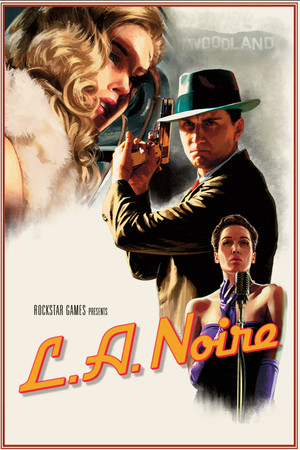
L.A. Noire
Good
Partly confirmed
21:9
Fix Required
32:9
Fix Required
Gameplay Scaling
Fixed FOV crop
HUD
Edge-positioned
Centered HUD
Unavailable
Cutscenes
16:9 pillarboxed
Menus
16:9
FOV
Narrow
Black Bars
Full-time
Flawless Widescreen
Recommended
Community Fix
Available
Online Safety
Safe
Does L.A. Noire support 21:9 and 32:9?
The unpatched game does not handle ultrawide properly (PCGamingWiki: hackable; WSGF ultrawide award: limited). V-Patch removes black bars at any resolution and adds UI scaling and FOV correction for ultrawide while keeping cutscenes intact. Flawless Widescreen also has a module.
How to fix ultrawide in L.A. Noire
Recommended fix
V-Patch (LANVP)
UltraWideCheck links to third-party mods and tools but does not host or distribute mod files.
Already have one of these? It works too
Flawless Widescreen - L.A. NoireA module for this game is listed in the Flawless Widescreen plugin list.
Learn more
Widescreen FixerFOV adjustment per PCGamingWiki.
Learn more
Patch & source history
Build not recordedSep 28, 2026
Sources checked: PCGamingWiki, the V-Patch README (release v2.0) and the Flawless Widescreen plugin list (an 'L.A. Noire' module is present). The unpatched behaviour (black bars, aspect lock) is based on V-Patch's description, so we haven't independently confirmed the exact values without the fix, or how cutscenes are framed with it.
Related games
Max Payne 3 · 201221:9Partial32:9Fix Required
Castlevania: Belmont's Curse · 202621:9Fix Required32:9Fix Required
007 First Light · 202621:9Fix Required32:9Fix Required
Hollow Knight: Silksong · 202521:9Fix Required32:9Fix Required
Grand Theft Auto V Enhanced · 202521:9Native32:9Native
Like a Dragon: Pirate Yakuza in Hawaii · 202521:9Fix Required32:9Fix Required